Building My Second RubyGem
Remember that first gem where I built styled cards for Jekyll? I tried adding automatic thumbnail generation to it. That failed architecturally. The solution became a second gem: jekyll-auto-thumbnails.
The Failed First Attempt#
The plan was simple: add thumbnail generation as a feature to jekyll-highlight-cards. Scan Markdown for sized images, generate thumbnails with MD5-based caching, replace URLs in the final HTML.
I implemented it. 277 tests passing, 96% coverage. The feature worked in isolation.
Then I tested it on this blog. Every image failed to generate thumbnails. The registry showed URLs like /2025/11/25/photo.jpg, but the actual files were at /assets/img/blog/record/photo.jpg.
The problem: hook timing. My plugin ran in :pre_render, scanning raw Markdown. But image_paths.rb (a local plugin) ran in :post_render, transforming photo.jpg into /assets/img/blog/record/photo.jpg. I was registering pre-transform URLs but trying to find post-transform files.
The Architecture Pivot#
The fix wasn’t to adjust hook timing. The fix was to realize image optimization is a separate concern from styled card presentation.
New architecture: Scan the final rendered HTML after ALL plugins have run. Parse it with Nokogiri, look for <img> tags in <article> elements, extract the actual src attributes. Those URLs reflect reality - all transformations already applied.
This required extracting the thumbnail feature into a standalone gem. The separation made sense: jekyll-highlight-cards handles presentation (linkcard, polaroid tags). jekyll-auto-thumbnails handles optimization (thumbnail generation, caching, URL replacement).
Building the Second Gem#
I created jekyll-auto-thumbnails (initially named jekyll-img-optimizer, renamed before publish). Seven core modules following the same TDD approach:
-
Configuration - Parse
_config.ymlsettings with validation - UrlResolver - Handle absolute/relative/external URLs
- DigestCalculator - MD5 computation for cache keys
- Registry - Track largest dimensions needed per image
- Generator - ImageMagick integration for thumbnail creation
-
Scanner - HTML parsing to find images in
<article>tags -
Hooks - Jekyll integration via
:post_renderand:post_write
The key difference: Scanner operates on rendered HTML, not Markdown source.
The Dimension Merging Bug#
First test on the blog revealed the generator was creating thumbnails at the smallest dimensions, not the largest.
A polaroid at size=x400 (height 400, width auto) and a Markdown image at =200x (width 200, height auto) both referenced the same image. The registry merged these as:
{ width: 200, height: 400 } # Wrong - takes the ONLY non-nil value for each
This produced a 200x400 thumbnail. When displayed at ~500px width, it looked terrible - upscaled 2.5x from a thumbnail that should have been 536x400.
The fix: Scanner calculates missing dimensions from aspect ratio before registering. Query ImageMagick for actual image dimensions, compute the missing value, then register complete dimensions.
Now size=x400 registers as { width: 536, height: 400 } (calculated from 1.34:1 aspect ratio), and the Registry correctly chooses 536x400 as the maximum.
The Animated GIF Bug#
An image named dogblog-468x60.gif generated a thumbnail named dogblog-468x60_thumb-bb988d-46x60.gif. The width lost an 8.
The GIF was animated (25 frames). ImageMagick’s identify command returned dimensions for all frames concatenated:
468x605x511x1014x1420x19391x23394x25398x27399x2724x2325x2428x27
My code split on x and took the first two values: 468 and 605. The 605 was frame 1’s height (60) plus the start of frame 2’s dimensions (5). This gave the wrong aspect ratio.
The fix: Query only the first frame with identify "#{file_path}[0]". The [0] index tells ImageMagick to return dimensions for frame zero only.
Test with actual animated GIF confirmed: 468x60 parsed correctly.
CodeRabbit’s Security Review#
After the initial implementation, CodeRabbit flagged five issues. All five were valid.
Issue 1: Unix-only ImageMagick detection
system("which convert > /dev/null 2>&1")
The which command doesn’t exist on Windows. Fixed by searching ENV[‘PATH’] manually:
def imagemagick_available?
  cmd_name = Gem.win_platform? ? "convert.exe" : "convert"
  path_dirs = ENV["PATH"].to_s.split(File::PATH_SEPARATOR)

  path_dirs.any? do |dir|
    File.executable?(File.join(dir, cmd_name))
  end
end
Issue 2 & 3: Shell command injection
Two methods used string-based system() calls and backticks, both invoking a shell:
cmd = cmd_parts.join(" ")
system(cmd)  # Shell interprets special characters

output = `identify ... #{file_path}[0] 2>/dev/null`  # Shell interprets
Fixed by using array-based execution:
system(*["convert", source_path, "-resize", geometry, "-quality", "85", dest_path])

output, status = Open3.capture2e("identify", "-format", "%wx%h", "#{file_path}[0]")
No shell invocation, no special character interpretation, works on both Unix and Windows.
Issue 4: File.join for URLs
thumb_url = File.join(url_dir, thumb_filename) # Uses OS-specific separators
On Windows, File.join produces backslashes. URLs must always use forward slashes. Fixed with explicit string concatenation:
thumb_url = if url_dir == "."
              "/#{thumb_filename}"
            else
              "#{url_dir}/#{thumb_filename}"
            end
Issue 5: HTML structure concerns
CodeRabbit suggested Nokogiri::HTML() might corrupt document structure. Assessed as non-issue - Jekyll’s doc.output is already complete HTML, parsing and re-serializing doesn’t cause problems. Added early return for performance but no structural changes needed.
Two Critical Sanity Checks#
After CodeRabbit’s review, I added two optimizations:
Check 1: Skip if dimensions match original
If an image is 300x200 and you request a 300x200 thumbnail, don’t generate anything. Use the original.
Check 2: Delete if thumbnail larger than source
Sometimes compression doesn’t help. A small, highly compressed image might produce a larger thumbnail if thumbnailing is configured at high quality. If File.size(thumbnail) > File.size(original), delete the thumbnail and use the original.
Testing on this blog: 13 images detected, 6 rejected (thumbnail would be larger), 7 optimized. The plugin only optimizes when beneficial.
Examples in Action#
The gem is running on this blog right now. That polaroid from the previous post:
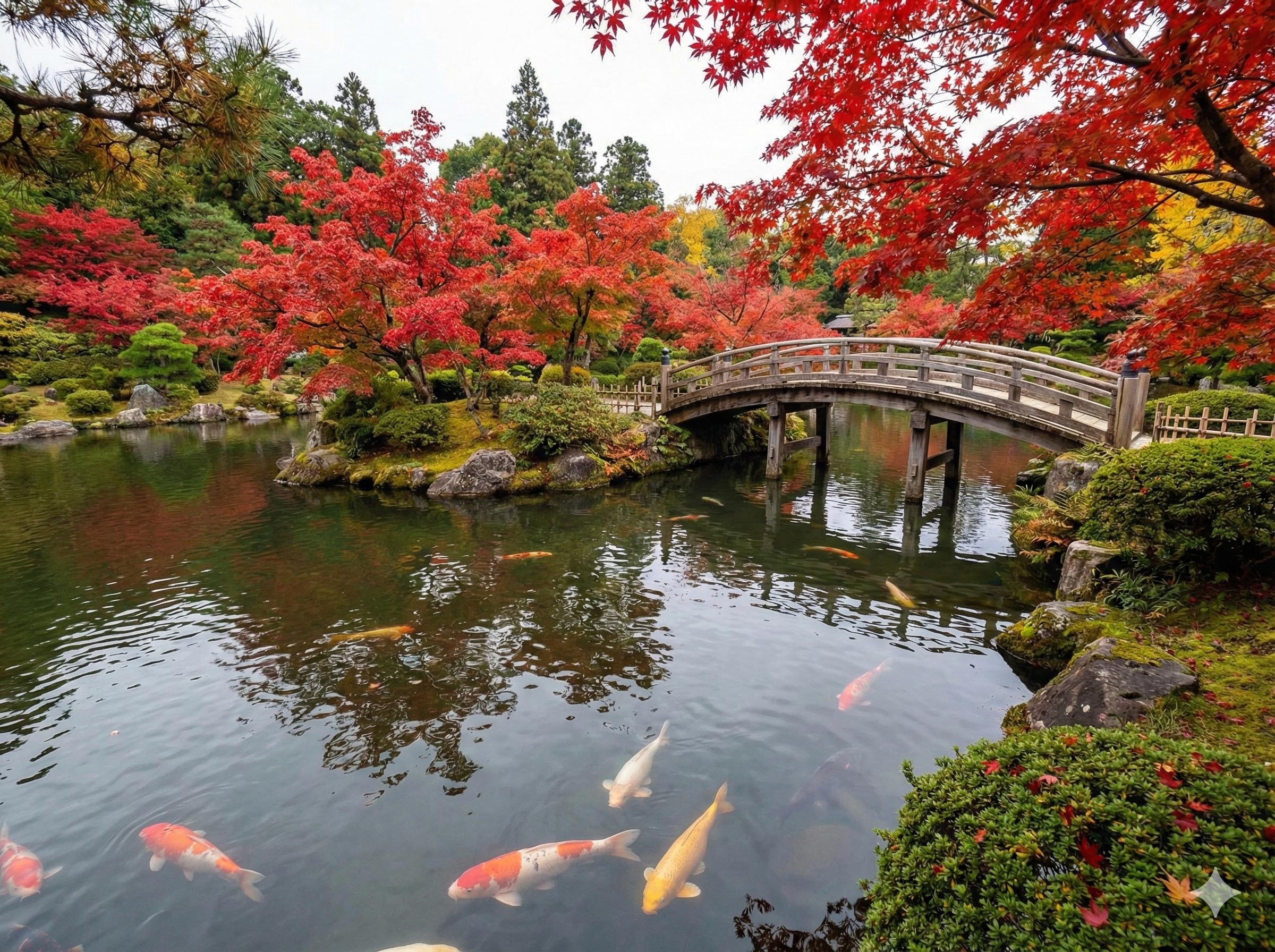
The original image is 818KB. The thumbnail served is 115KB (86% reduction). The plugin calculated the correct width (536px) from the 400px height constraint and the image’s aspect ratio, generated gemini-trip-to-japan_thumb-45be04-536x400.jpg in .jekyll-cache/, copied it to _site/, and replaced the URL in the HTML.
The same image used elsewhere at a different size would share that thumbnail if the dimensions are smaller, or trigger a larger thumbnail generation if bigger. Like this:
Final Stats#
- 58 tests, all passing
- 90.0% code coverage
- 20 commits from extraction to production
- Published to RubyGems: jekyll-auto-thumbnails
-
Installation:
gem install jekyll-auto-thumbnails
The gem scans rendered HTML for images in <article> tags, generates thumbnails with MD5-based caching, and replaces URLs transparently. Works with any Jekyll plugins that transform image paths because it runs after all rendering completes.
What I Learned#
Jekyll hook timing determines what you see. Pre-render hooks see Markdown and Liquid. Post-render hooks see final HTML. If other plugins transform content, you need to run after them.
Scanning rendered HTML instead of source is plugin-agnostic. Any URL-transforming plugin works because you’re reading the end result, not guessing at transformations.
ImageMagick’s identify returns all frames for animated GIFs. Use [0] to get first frame only: identify "file.gif[0]". Without it, parsing 468x605x51... gives wrong dimensions.
Backticks and string-based system() invoke shells. Even with Shellwords.escape. Use system(*array) or Open3.capture2e for shell-free execution. Safer and cross-platform.
File.join uses OS-specific separators. URLs need forward slashes always, but File.join produces backslashes on Windows. Build URLs with string concatenation, not path operations.
Sometimes thumbnails are larger than originals. Small, compressed images might expand when reprocessed. Check file size after generation and delete if larger.
Separation of concerns can emerge from failed integration. The thumbnail feature didn’t belong in a styled-cards gem. The architecture problem revealed the right boundaries.
The Repository#
The code is at Texarkanine/jekyll-auto-thumbnails with the full implementation history.
Two gems now: one for presentation, one for optimization. Both do their jobs without interfering with each other or with other Jekyll plugins.